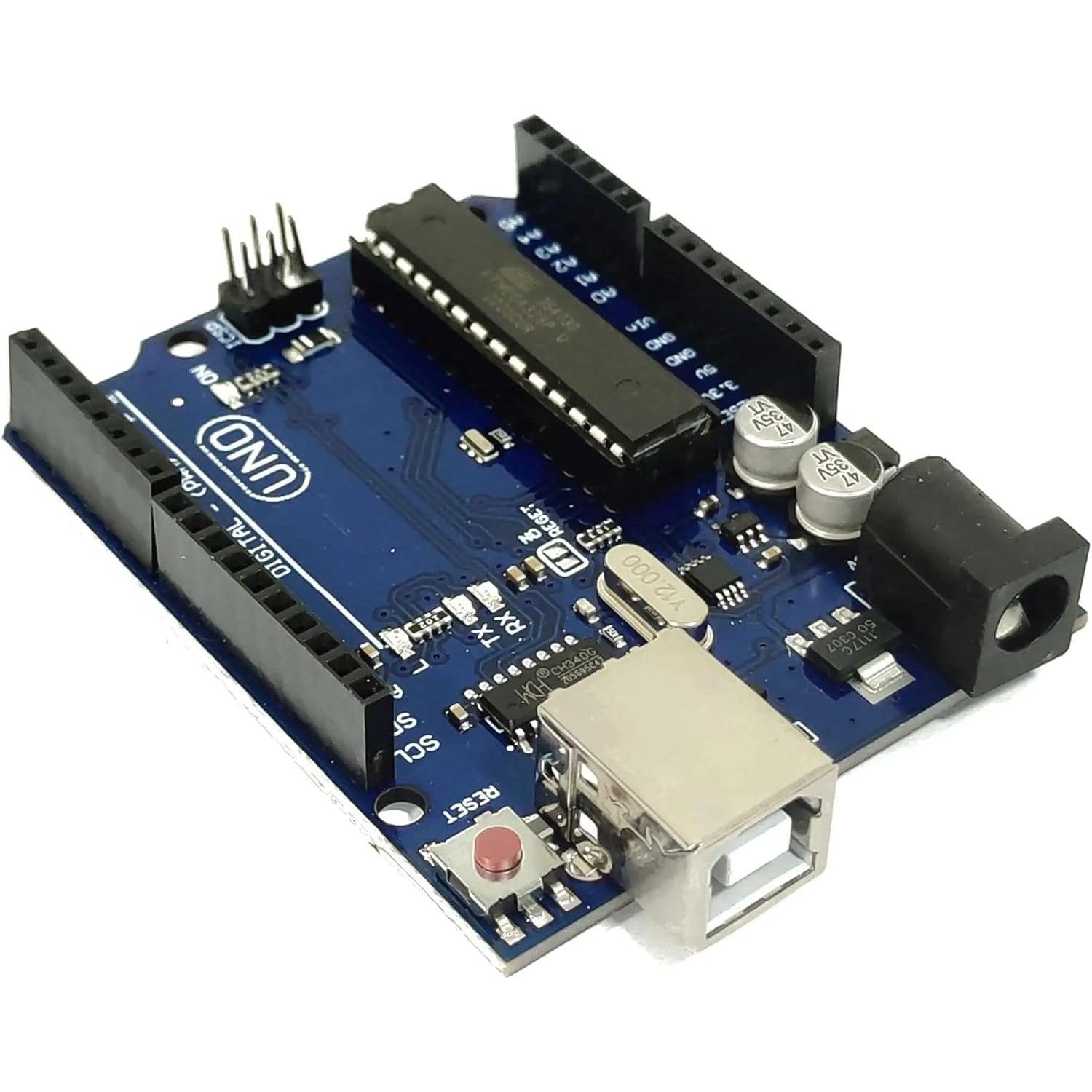
Arduino Uno Rev3 With CH340 Uploader
EGP 350
See other suppliers →Description
Arduino Uno Rev3 With CH340 Uploader The Arduino Uno Rev3 with CH340 Uploader is a microcontroller board based on the ATmega328P . It serves as a cost-effective alternative to the Arduino Uno Rev3, utilizing the CH340 chip for USB-to-serial communication. The board is fully compatible with the Arduino Integrated Development Environment (IDE) and can be used for a wide range of projects, from simple LED blinking to more complex applications like robotics and Internet of Things (IoT) devices. Its affordability, ease of use, and extensive community support make it an excellent choice for both beginners and experienced makers. Features Microcontroller : ATmega328P USB-to-Serial Chip : CH340 (requires drivers on some operating systems) Digital I/O Pins : 14 (6 of which can be used as PWM outputs) Analog Inputs : 6 Clock Speed : 16 MHz ceramic resonator USB Connection : For programming and power (via CH340 chip) Power Jack : For external power supply (7-12V recommended) ICSP Header : For in-circuit serial programming Reset Button : To restart the board Built-in LED : Connected to pin 13 for easy testing Open-Source Design : Allows for customization and modification Specifications Microcontroller ATmega328P Serial to USB Converter CH340 Operating Voltage 5V Input Voltage 7-12V Digital I/O Pins 14 PWM I/O Pins (Shared with Digital I/O) 6 Analog Input Pins 6 DC Current per I/O Pin 20mA DC Current which can be drawn from 3.3V Pin 50mA Flash Memory 32 KBytes SRAM 2 KBytes EEPROM 1 KBytes Clock Speed 16MHz Built-in LED Attached to digital I/O Pin 13 USB Connector Style B-Type Female Board Dimensions (PCB) 68.8 x 53.4mm (2.7 x 2.1″) Board Dimensions (with connector overhang) 77 x 53.4mm (3 x 2.1″) Mfr China Pinout Applications Beginner Projects : LED blinking, button inputs, and basic circuit interactions Sensor Reading : Interfacing with sensors for temperature, humidity, light, motion, etc. Motor Control : Driving DC motors, stepper motors, and servos for automation and robotics Prototyping : Testing circuits and code before moving to custom PCBs or production Robotics : Controlling robot movements, sensors, and actuators IoT Devices : Connecting to the internet for data logging, remote control, and smart home applications Educational Tools : Teaching programming, electronics, and microcontroller concepts Windows Download the Windows CH340 Driver Unzip the file Run the installer that you unzipped In the Arduino IDE when the CH340 is connected you will see a COM Port in the Tools > Serial Port menu, the COM number for your device may vary depending on your system.
From the supplier's page.
makhzan doesn't sell — every offer opens the supplier's own site.