

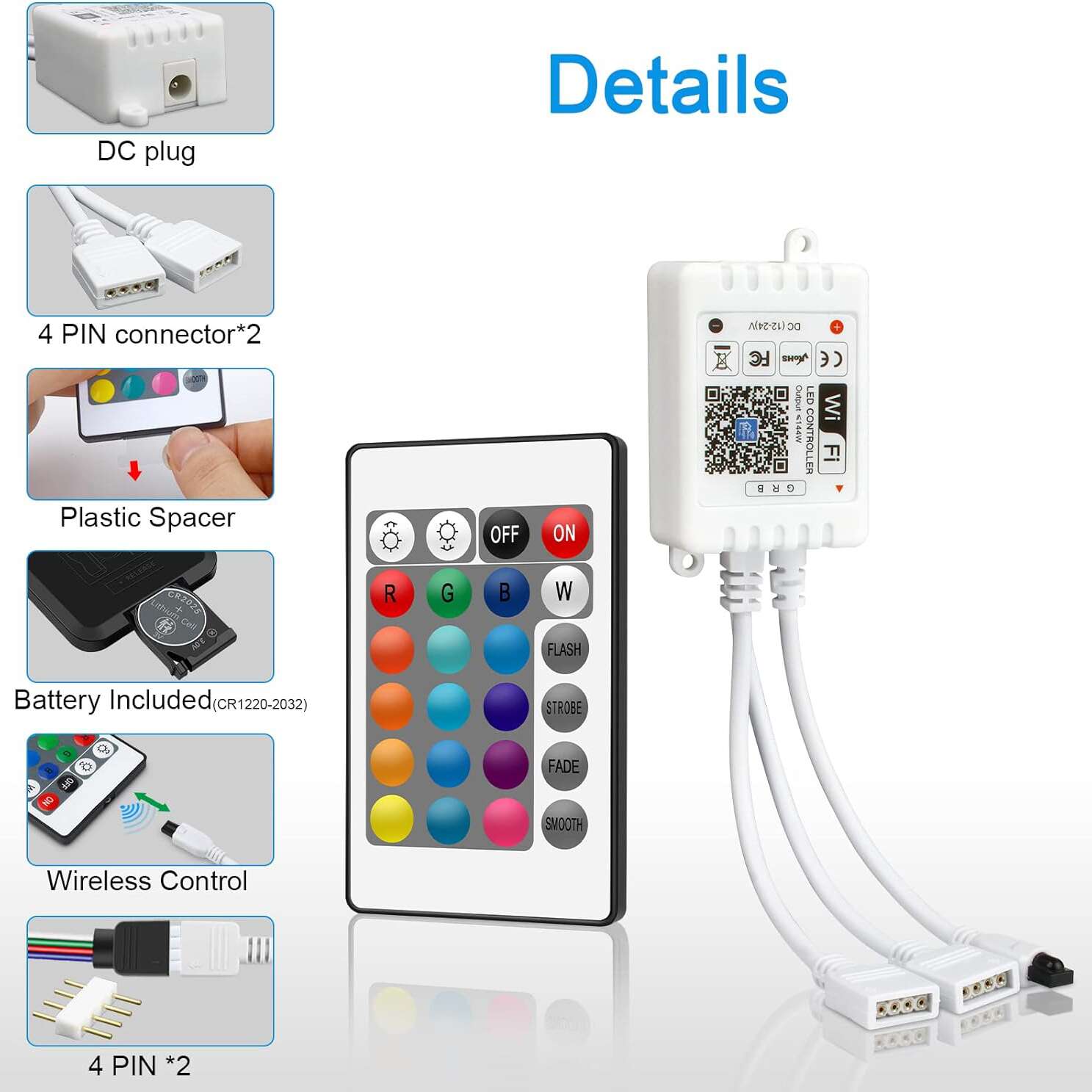
WiFi RGB LED Controller DC5-24V with 24 Key Remote Control
From the shop's description
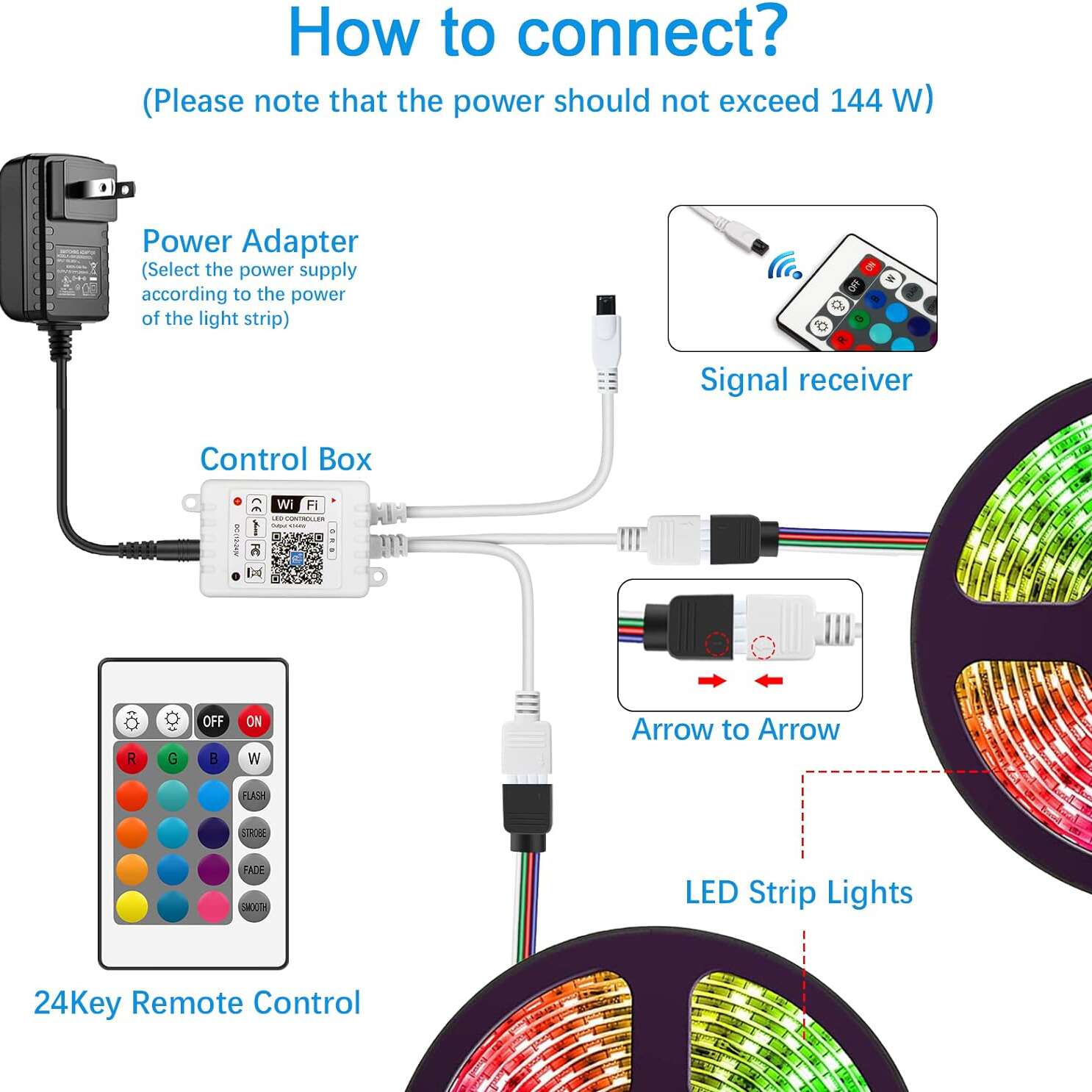
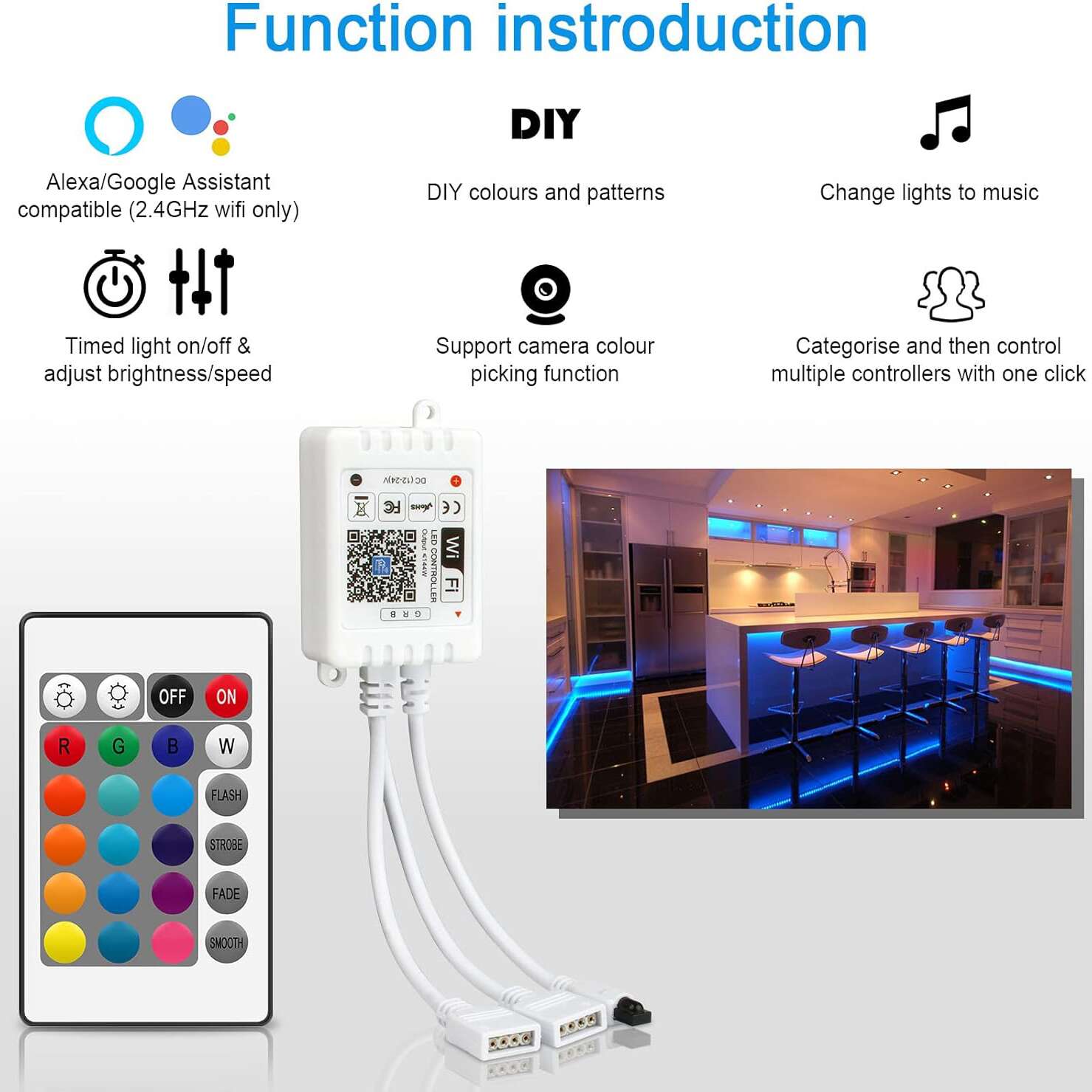
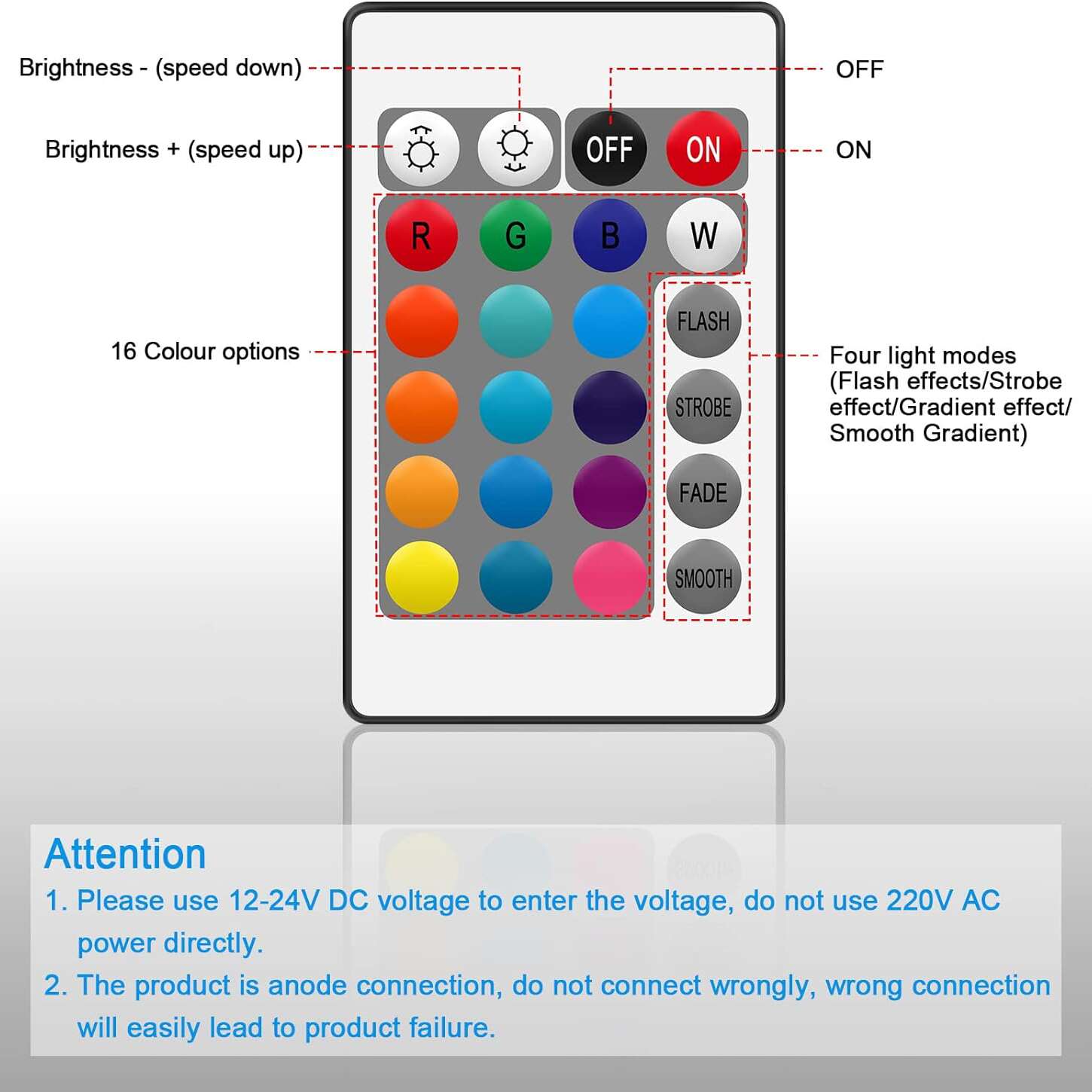
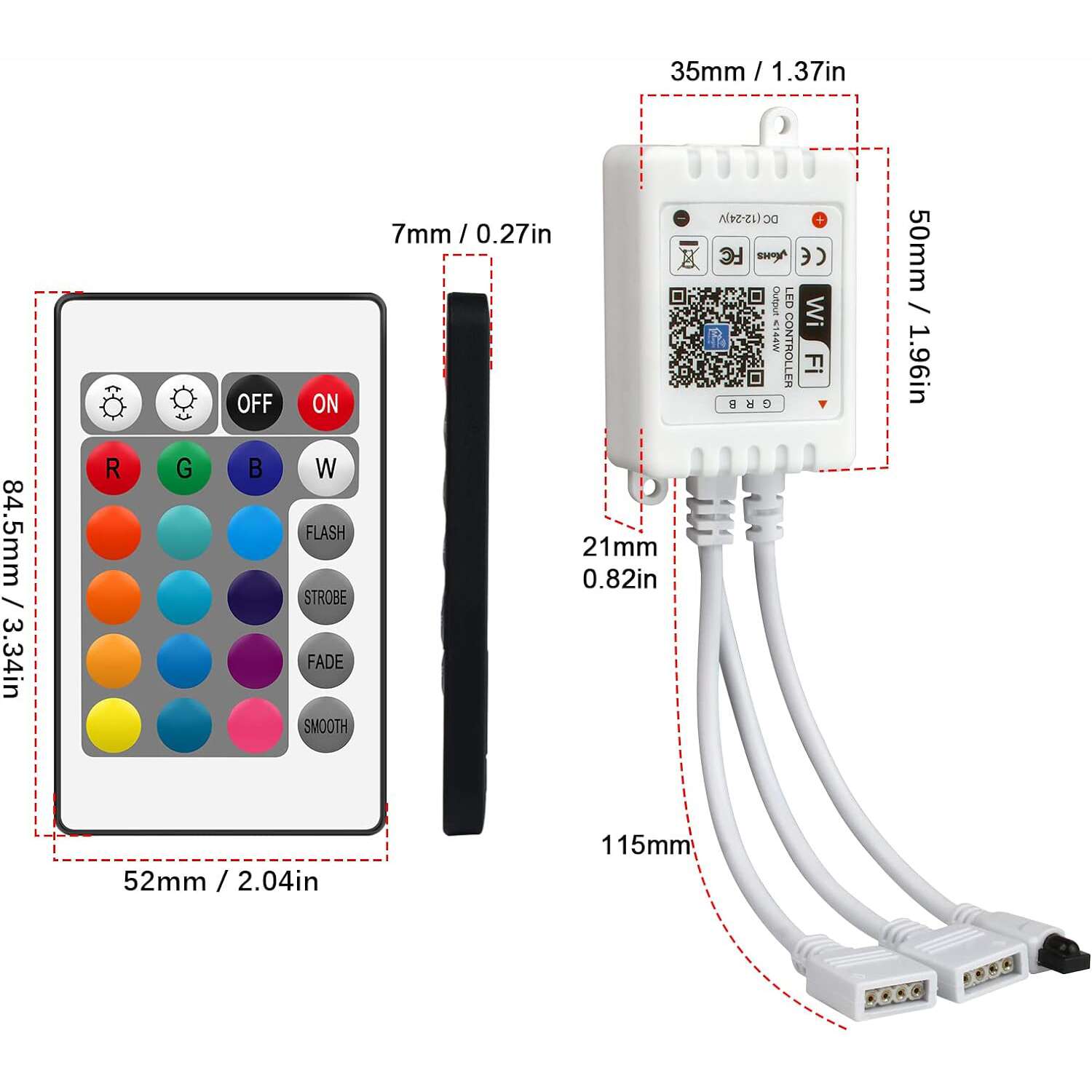
Product Description Features: Compatible with 5050SMD, 2835SMD 3528SMD RGB LED strips etc. Download the app (Magic Home), you can easily switch brightness, and color modes, change speed, etc. It is compatible with Amazon Alexa and Google Home voice control. Three methods to control the light, are easy and convenient. (APP/voice control/remote control) It also has a timer setting to wake you up; and a group setting to control many wifi light strips. Specifications: Material: PVC Size: LED light control box: 50 x 22 x 35 mm Remote Control:52x85mm Voltage: DC 5-24V Power: ≤100W Usage: for 5050SMD, 2835SMD 3528SMD RGB LED Strips, etc APP: Magic Home Pro Channels:RGB Works for: LED strip or other constant voltage lamps Control distance: Visible distance 60m Mobile Version Requirements: Android 4.0/IOS9.0 Package Includes: 1×RGB LED Controller 1×24-keys IR Remote 1 x User Manual(English) Product Details How to connect smart devices to your home Wi-Fi network? Step 1: Download the Magic Home Pro APP 1. Scan the QR code on the controller to download. 2. Search and install “Magic Home Pro” from the App Store or Google Play Store. Step 2: Register and log in to your account. Step 3: Click the “+” button to add the device “LEDnetxxxxx” to your home wifi network (only for a 2.4G Wi-Fi signal). Can’t find the WIFI signal of the LED? Reset it! Please reset the controller by plugging and unplugging the connector three times, with an interval of 3-5 seconds between plugging and unplugging the connector.
Read moreShow less
Similar products
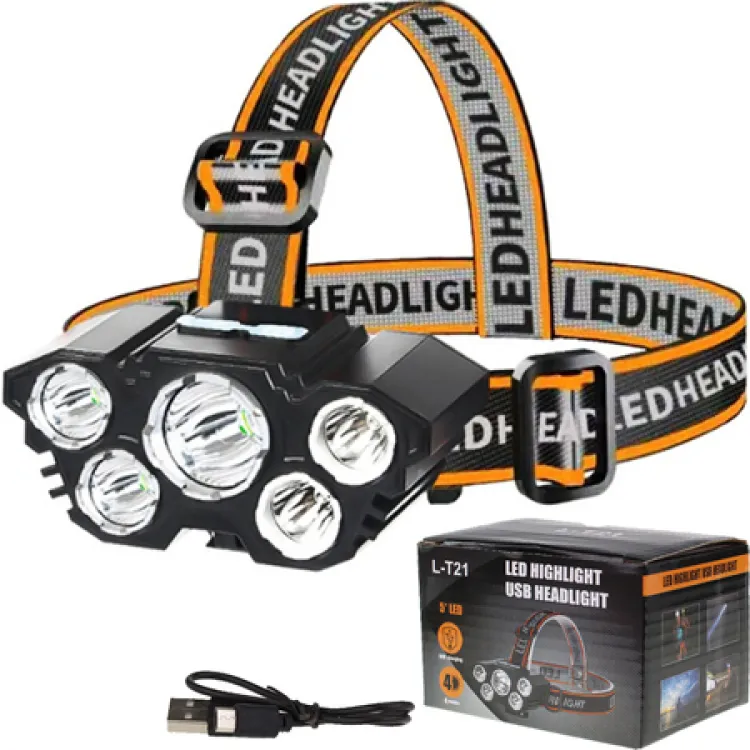 USB Rechargeable Headlamp Flashlight LED 4 Mode 5 LED L-T21EGP 1751 shopchecked 24 days ago
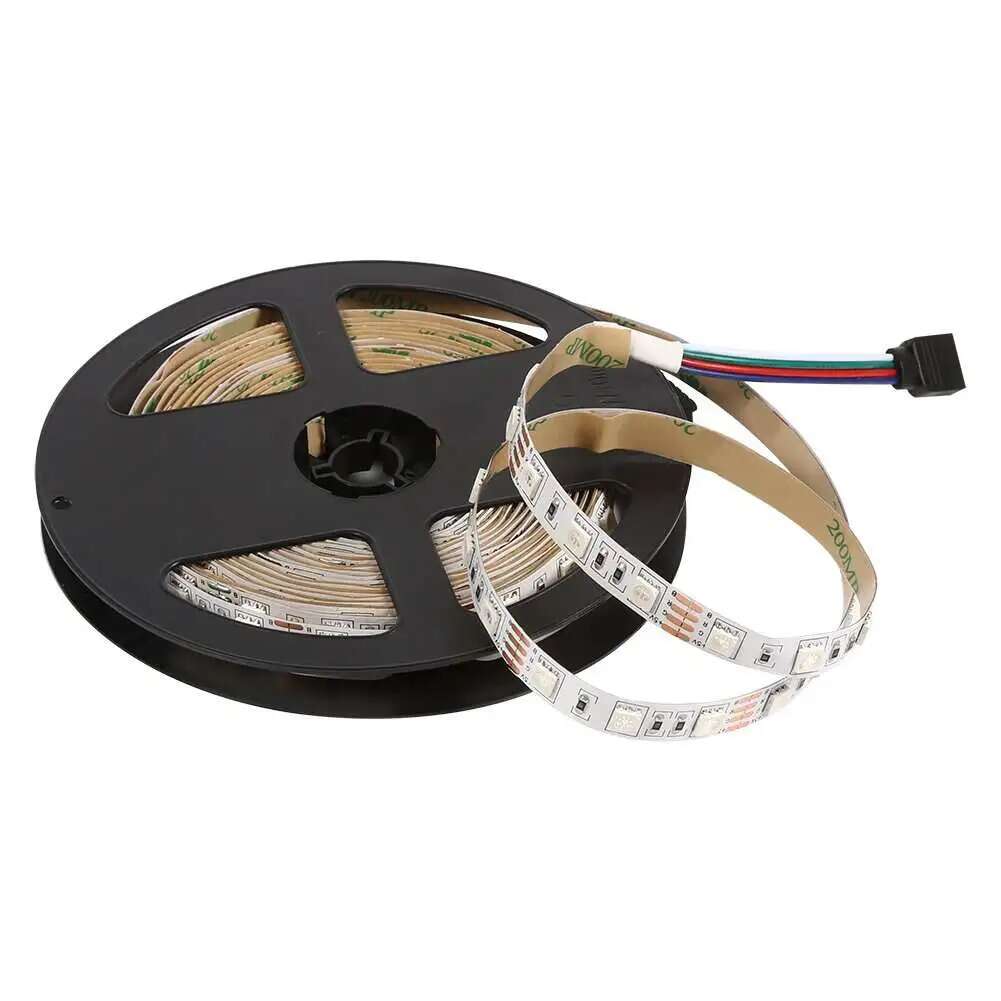 5050 RGB LED Strip Non-Waterproof 24V 5M 60 LED/meterEGP 1751 shopchecked 11 days ago
 LED Tester Box 2-150mAEGP 1751 shopchecked 11 days ago
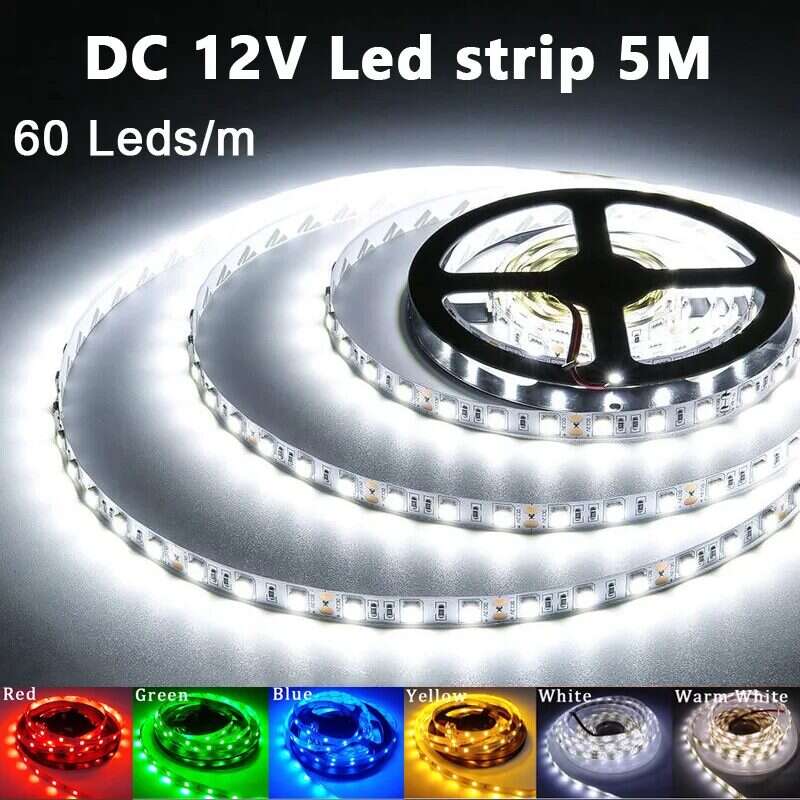 LED 5050 Strip Light 12V Waterproof IP65 (60Led/M) 5m/RollEGP 1751 shopchecked 20 days ago
 14 Key Wireless RGB LED Controller for Addressable LED StripEGP 1751 shopPrice may be out of date (74 days)
 RGB LED Mobile Phone Bluetooth Controller 5-24VEGP 1751 shopchecked 14 days ago
 USB Rechargeable Headlamp Flashlight LED 4 Mode 5 LEDEGP 1751 shopchecked 15 days ago
 Wireless RGB LED Controller for Addressable LED StripEGP 1751 shopchecked 11 days ago