

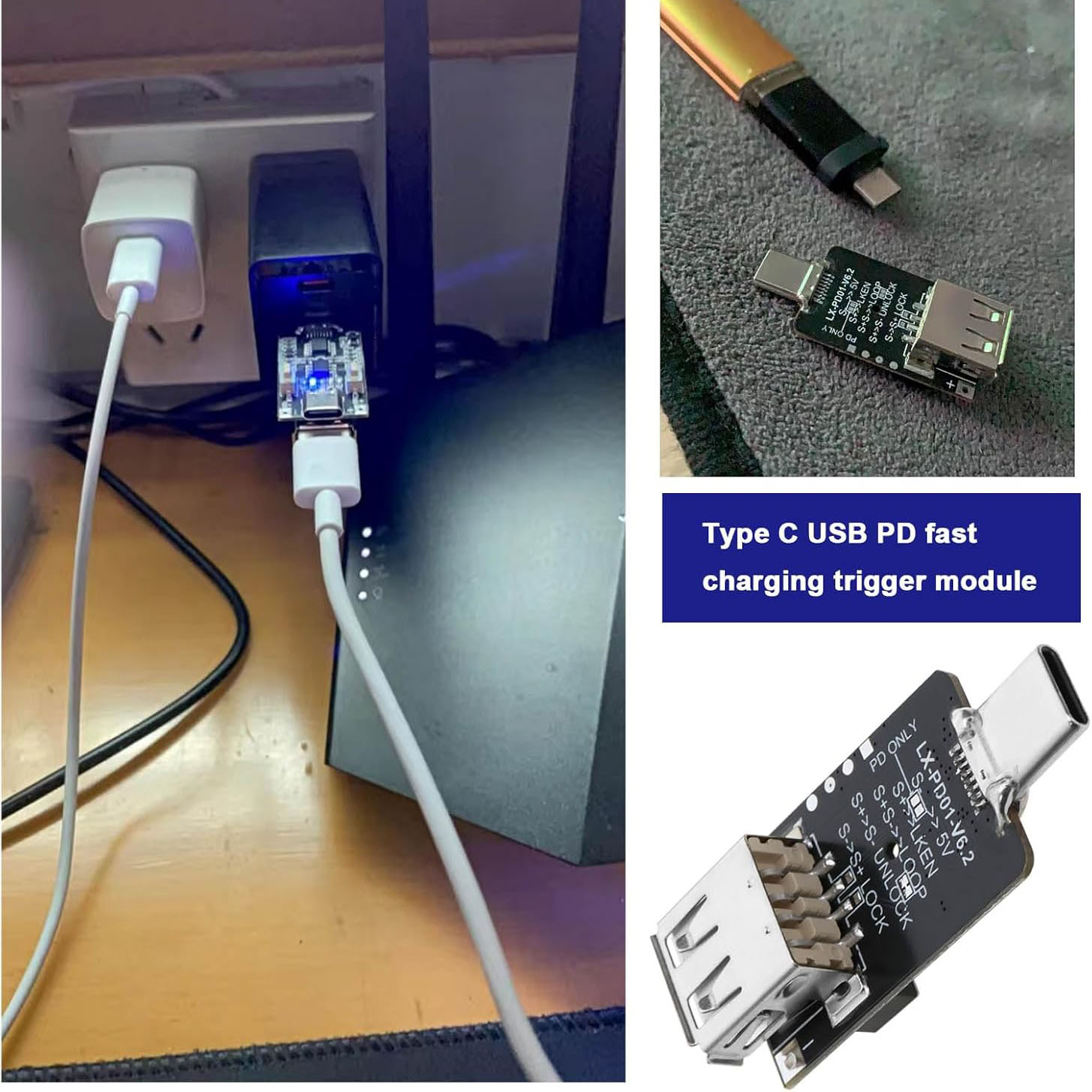
PD2.0/3.0 Decoy Trigger Motherboard Module Type C USB Adjustable Voltage 5V/9V/12V/15V/20V
From the shop's description
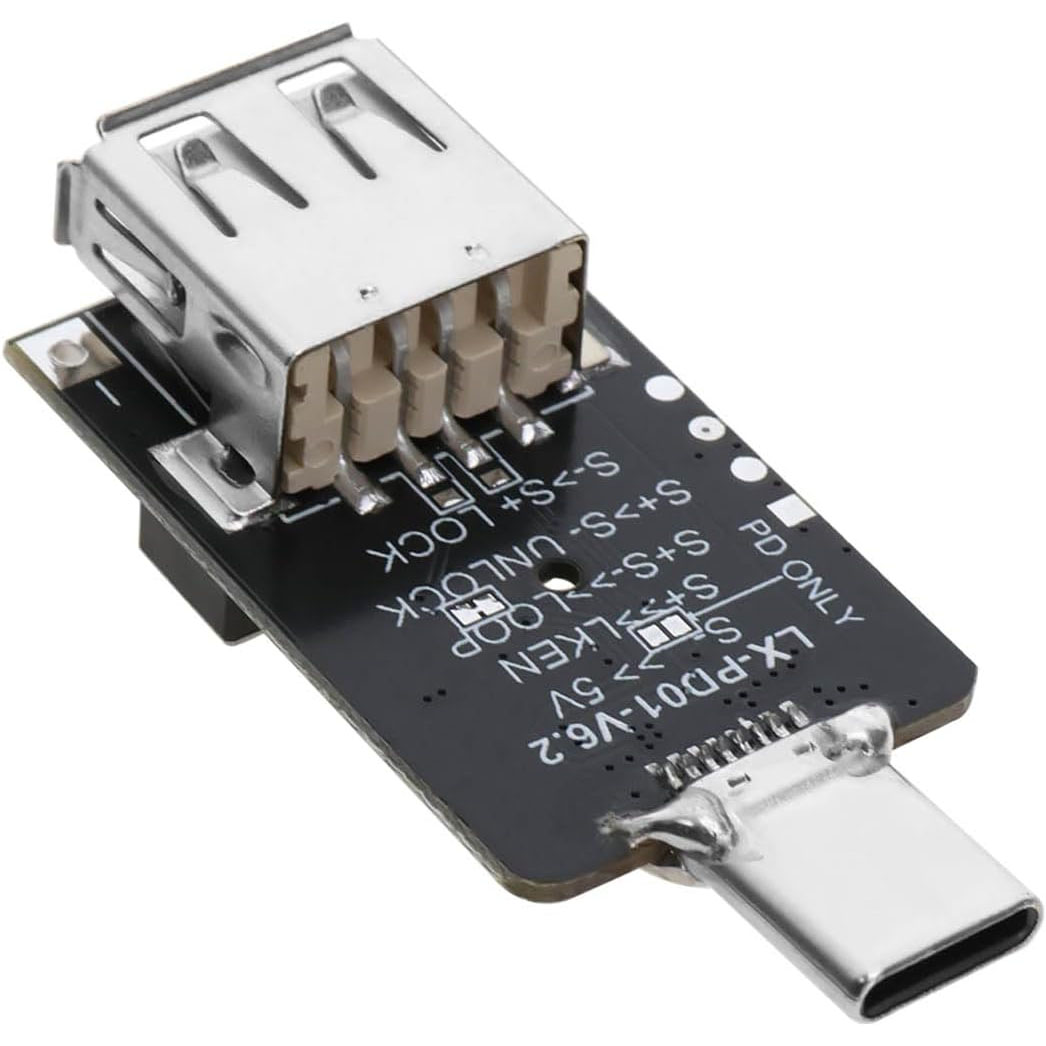
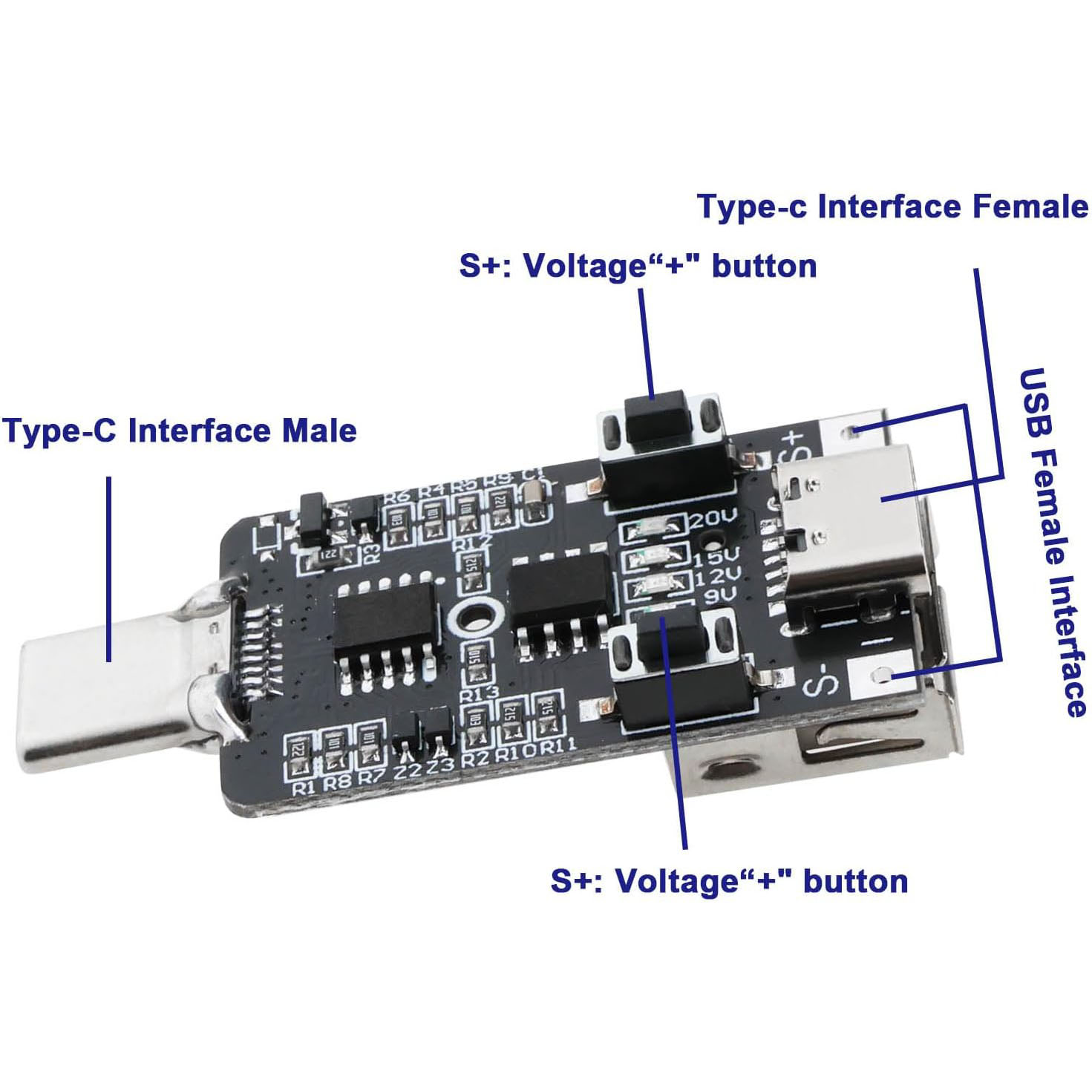
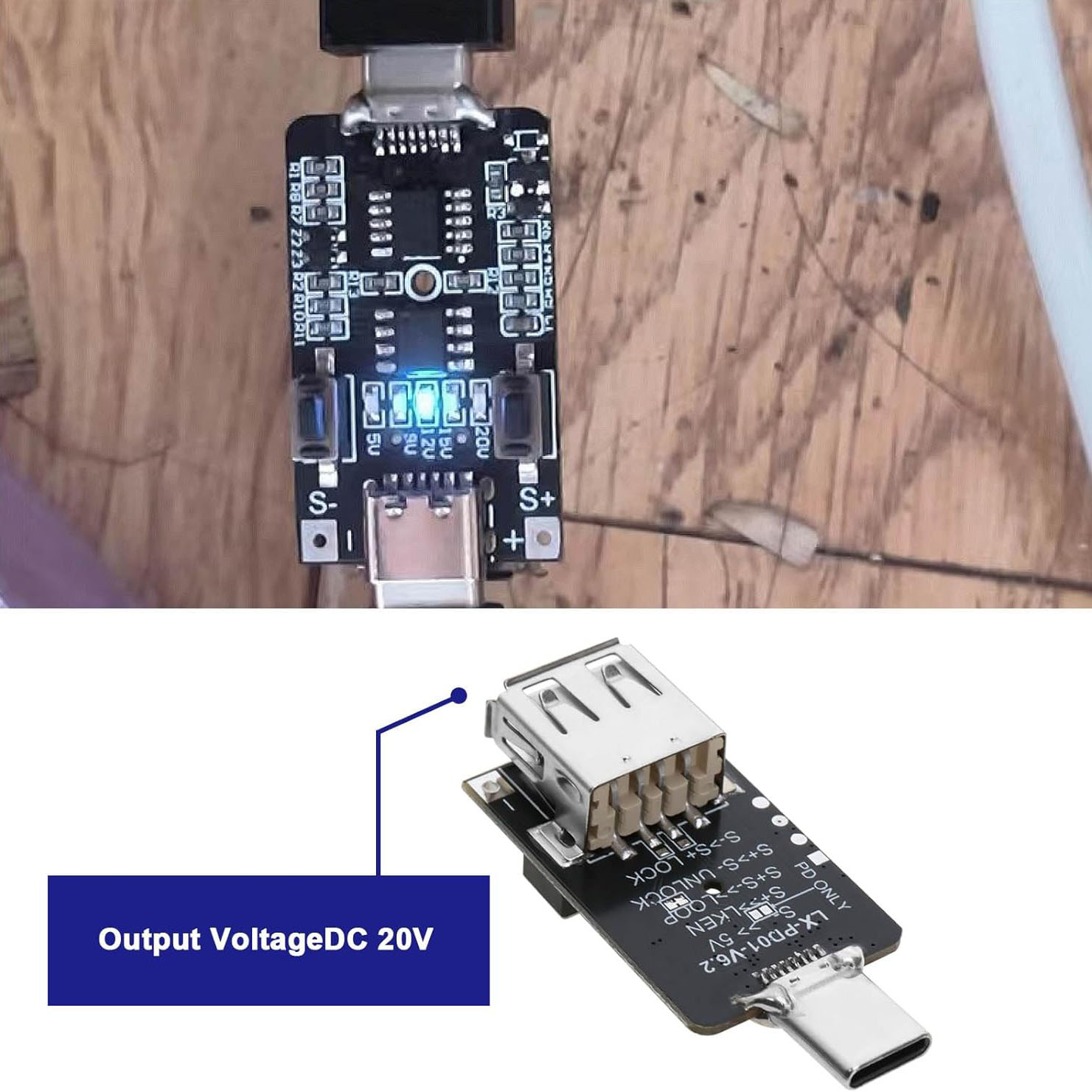
Description: It is a PD2.0/3.0 decoy.It is often used to use power banks with PD protocol such as power banks or chargers to trick the corresponding voltage to power notebooks and routers. Features: It supports PD3.0 and PD2.0 voltage deception output, and the mode can be switched freely. It has a key lock function to prevent misoperation. It has an LED output indicator to show the working status. The parameters are automatically saved, and the last decoy setting is executed when the power is turned on again. Ultra-low power consumption, support 100W output. Parameter: Product Name: PD2.0/3.0 Decoy Input Voltage: DC 5V Output Voltage: 5V>9V>12V>15V>20V Maximum Output Voltage: 20V Maximum Output Current: 5A Work Temperature: -25℃~85℃ Work Humidity: 5%~95%RH Size: 44x20x15mm Instructions for Use (must use a power supply with PD protocol): Press and hold the S- button, insert the module into the power supply, and then reset to 5V output (“>>” means power on). Press and hold the S+ button, and then insert the module into the power supply. At this time, switch whether to turn on the key lock and save the state after power-on. If the key lock is unlocked, it must be unlocked to adjust the voltage after power-on to prevent misoperation. After power on, press and hold S+ button without letting go, then press S- button, and unlock when there is a button lock. After powering on, press and hold S- button without letting go, then press S+ button to lock the button. Quick start: Plug the board into the PD power supply. At this time, the LED light indicates the current setting decoy voltage. If it is not on, it is the default 5V. Adjust the output voltage: The board is locked by default, and you need to unlock it first. The method is to press and hold S+ button and then press S- button. At this time,the unlocking is complete and you can release the button. Then click S+ button to increase the voltage or click S- button to decrease the voltage. Instructions for Use of Test Function: Press S- button and S+ button at the same time and then power on, the module enters the test mode, and the output voltage will automatically cycle from 5V>9V>12V>15V>20V. The voltage change time can be adjusted by S+ button and S-button, in seconds. This function is a test function, the mode is not saved, and the switching time can be saved. Interface Description: Type-C Male: used as input to connect PD power supply and can pass 20V 5A voltage and current. Type-C Female: used as input to connect PD power supply, and also as output interface (At this time, keep the CC line hanging), the voltage and current of 20V5A can be passed. USB-A Female Interface: As an output, it can pass 20V3A voltage and current. Positive and negative wiring pads: as an output interface, it can output 20V 5A voltage and current.
Read moreShow less
Similar products
- Lithium Battery Charger Protection Module (BMS) 10S 15A 36VEGP 2851 shopchecked 13 days ago
 Joyroom JR-TCF20 PD20W Charger with 1meter C to C Cable, WhiteEGP 2851 shopchecked 18 days ago
 LG HG2 Battery, 20A, 3000mAh 3.6V twin packet 18650EGP 2821 shopPrice may be out of date (74 days)
 Energizer 9V Battery MAX 6LF22EGP 2801 shopPrice may be out of date (74 days)
 14500 3.7V 1800mAh Rechargeable Battery with JST Black Plug and USB ChargerEGP 2801 shopPrice may be out of date (74 days)
 KINGLEEN 305X/10000 Charge Power Bank 10000mAh 5V 1AEGP 2901 shopchecked 14 days ago
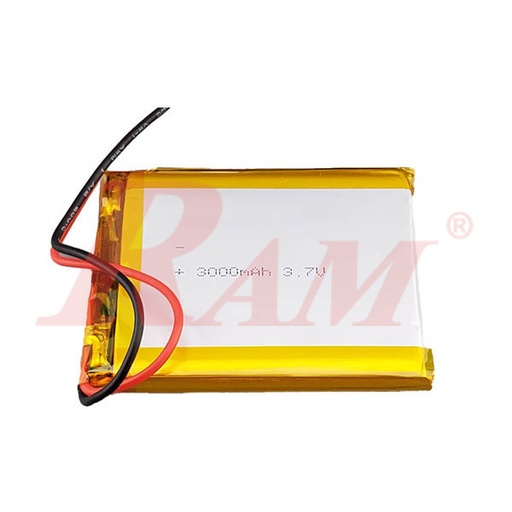
- Polymer Li-Ion 3.7V 3000mAh Single Cell BatteryEGP 2751 shopchecked 11 days ago
 Rechargeable Li-ion Battery Pack 12V 3S-1P+BMS 1000mAh-18650 with JST CableEGP 2951 shopchecked 18 days ago