HTC–2 Digital Thermometer Hygrometer Clock Calendar with Sensor Probe
Price may be out of date. Last checked 74 days ago. Confirm it on the shop's page.
From the shop's description
HTC-2 Digital Thermometer Hygrometer Electronic Temperature Humidity Meter Gauge Home Indoor Outdoor Clock Features: Basic function: temperature/humidity display. ℃/℉ Temperature switching display. Maximum/minimum humidity memory function. 12 / 24 hour clock. Hourly chime function. Daily alarm function. Calendar display function. Specifications: Material: ABS Size: 10×9.2x2cm Power supply: 1.5V * 1x(AAA battery) (Included) Temperature measurement range: – 10 ℃ ~ + 70 ℃ Temperature measurement accuracy: ± 1 ℃ (1.8 ℉) Temperature resolution: 0.1 ° C (0.2 ° f) Humidity measurement range: 10% RH – 99% RH Humidity measurement accuracy: ± 5% RH Humidity resolution: 1% Operation method: 1. Push open the battery door according to the direction indicated by the back of the machine, take out the battery spacer, and then replace the battery door, the machine can be used. 2. Key function: (mode) switch, the clock and alarm display mode / set the current time, alarm clock, 12 or 24 / hour system, date: (adj) adjust the value of the item to be set; (memory) display the highest & lowest temperature humidity value in memory / clear the highest & lowest temperature humidity value in memory; (° C / ° F) switch the display of temperature unit (° C) or (° f). 3. In the initial state, press, and hold (mode) for 2 seconds, and the minutes of the current time will start flashing. Press (adj) to adjust the number of minutes. Press (mode) continuously to set “clock”, “12 / 24 ‘”, “month (m)”, and “day (d)” respectively. 4. Press (mode) once in the current clock mode (the two points between the clock and the minute flash once per second) to switch the display to the alarm mode (the two points between the clock and the minute do not flash). At this time, press (adj) to switch on and off the “alarm” function / the “alarm at integer hour”. Press and hold (mode) for 2 seconds to set the alarm time and start the “alarm at integer hour”()Symbol appears. 5. In alarm mode, if there is no operation, it will automatically return to the current clock one minute later. At this time, press (adj) once to switch to the calendar display, and then it will automatically return to the current clock three seconds later. Press max/min to display the maximum value of temperature/humidity since the last clear. 6. Press (memory) to display the maximum and minimum values of temperature/humidity, and press and hold (memory) for more than 2 seconds to clear the maximum and minimum values.
Read moreShow less
Similar products
 Dt-9205A Ohm Cap AMP Volt Tester Digital Multimeter With On/Off SwitchEGP 2501 shopPrice may be out of date (74 days)
- TPM-900 (ZFX-900) Digital Thermometer -Temperature Panel Meter With ProbeEGP 2501 shopchecked 15 days ago
 Portable Dual USB Voltage Current Tester 3-9V 0.1-3A Digital DisplayEGP 2501 shopPrice may be out of date (74 days)
 DT9205A Multimeter – Auto Off, YellowEGP 2501 shopPrice may be out of date (74 days)
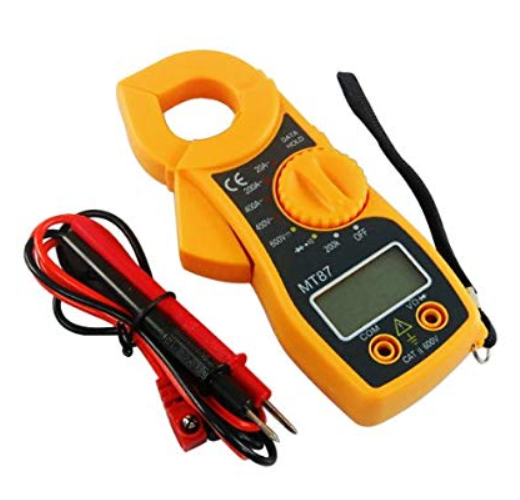 MT87 Digital AC Clamp Meter 400AEGP 2501 shopchecked 19 days ago
 Dual Led 0.28 inch DC 100V 100A LED Digital Ammeter-Voltmeter With ShuntEGP 2501 shopPrice may be out of date (74 days)
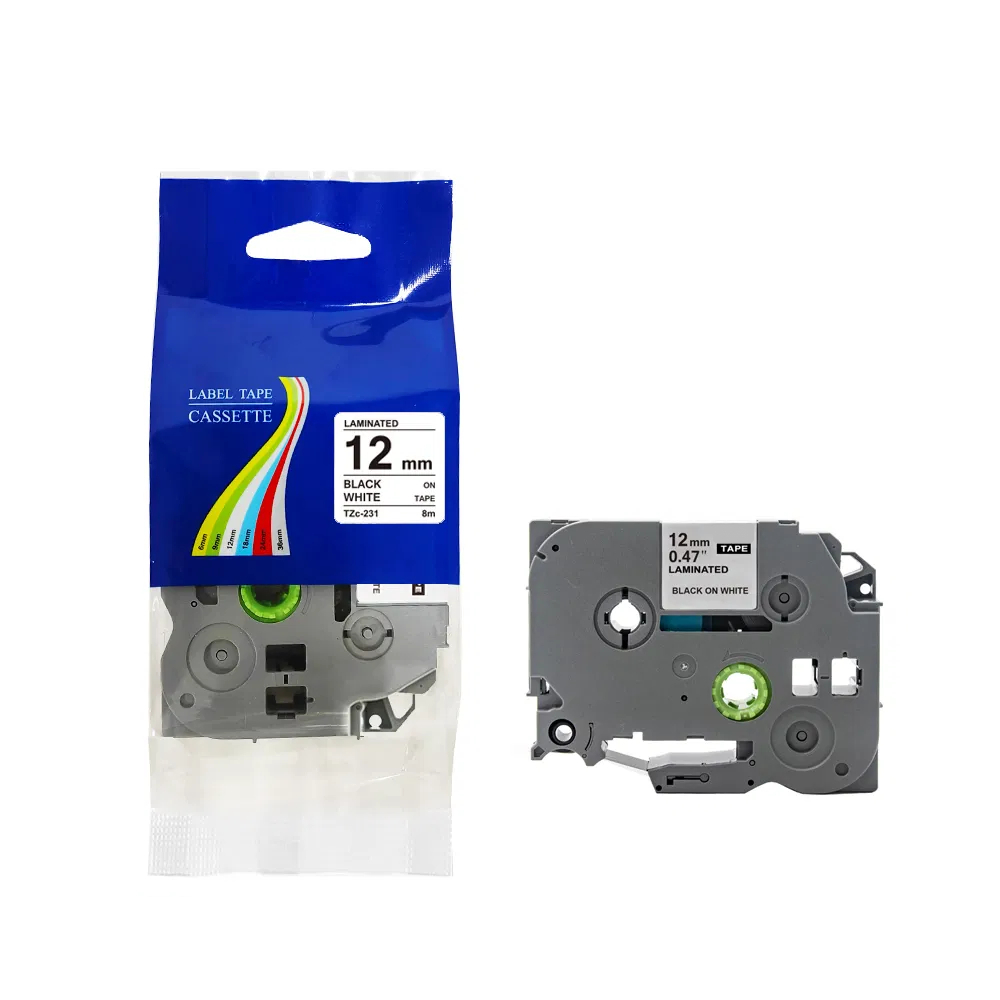 BROTHER TZc-231 Laminated Label Tape Cassette 8m Black on White 12mmEGP 2501 shopchecked 17 days ago
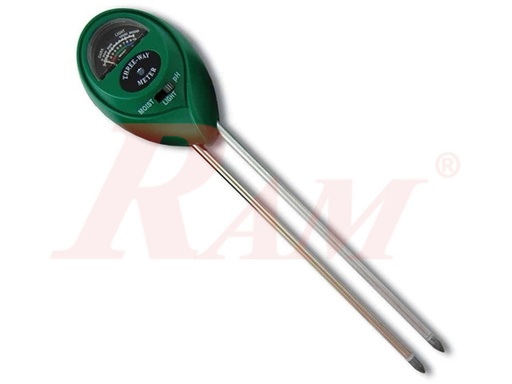
- 3 Way Soil Meter (Moisture/Light/pH)EGP 2501 shopchecked 14 days ago